
 Adam Pichardo

Losing qualified leads to slow or incomplete follow up is an expensive problem for small teams relying on chatbots. Some AI chatbot tools add variable usage billing or make it hard to export your workflows and data. This comparison weighs pricing models, automation depth, and user control so you can pick a lead generation chatbot setup that matches your size and speed without taking on another tool to run yourself.
Pulp AI Studio
At a glance
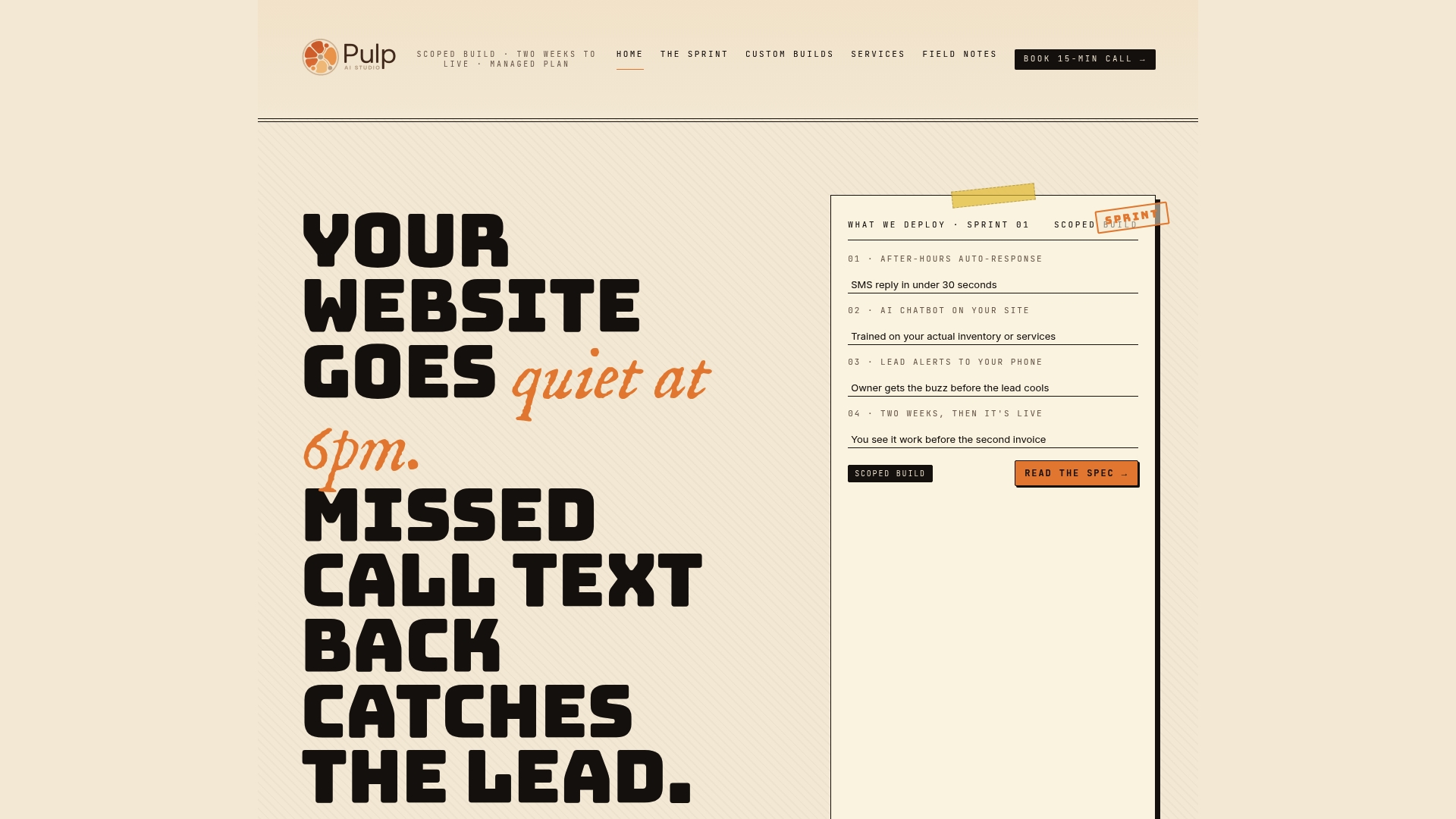
Automated SMS auto responses trigger within 30 seconds after a missed call, turning silent nights into active lead conversations. The company sets up and runs a production ready system in about two weeks at one flat monthly price, with a custom build (about 30 days) that transfers ownership of the source code and configuration as the step up. If missed calls cost you business, this targets that specific leak.
Core features
- Automated SMS auto responses within 30 seconds for missed calls and inbound messages, including missed call text back behavior.
- Custom AI chatbots trained on the client’s actual inventory or services to answer common questions and triage inquiries.
- Instant lead alerts sent to the owner’s phone so new opportunities do not sit idle.
- Managed setup live in about two weeks, scoped and tuned by a single operator, connected to the CRM and tools you already use.
- Optional custom build with ownership of prompts, source code, and configuration so you control future changes.
Key differentiator
Pulp AI Studio sets the system up and runs it for you: a single operator handles setup and tuning from start to finish, live in about two weeks. Contacts, conversation history, and the phone number stay portable, and shops that want the whole system on hardware they own can step up to a custom build that hands over code and prompts. Most shops start managed and grow into a rig.
Pros
-
A path to ownership. Your data stays portable, and the custom tier hands you the deliverables.
-
Fast deployment in about two weeks, which shortens time to first lead contact and lets you start measuring impact quickly.
-
Tailored solutions for specific industries and workflows, such as auto dealerships, HVAC, medical practices, and property management.
-
Single operator handles development and tuning, which keeps configuration consistent and avoids handoff delays.
-
One flat monthly price, so budgeting is predictable.
Cons
- Pricing is not published as a monthly tier, so you confirm it on a short call.
Who it’s for
Small to mid sized business owners who answer their own calls and lose leads outside working hours. The offering fits retailers, clinics, contractors, and owners who want the system run for them. If you later want a bespoke setup that runs on your own infrastructure, the custom build covers that. Retailers can see what that build looks like end to end in the retail AI chatbot setup guide.
Unique value proposition
A done-for-you setup at one flat monthly price, with a step up to full ownership of the source code, prompts, and configuration when the business wants it. That combination turns missed call follow up into something that runs without adding work to your day.
Real world use case
Picture a contractor who misses a call during a job: within 30 seconds the system texts back, answers a couple of common questions about availability and service area, and alerts the owner with the lead’s details. By lunch there is a warm reply waiting instead of a missed-call voicemail — the exact leak a setup like this is meant to close.
Pricing
The managed setup is one flat monthly price in the same range as AI receptionist software plans, with setup and management done for you. Custom builds are scoped per project. Specific pricing is not publicly listed and requires contacting the team for a quote.
Website: https://pulpaistudio.com
Treiva
At a glance
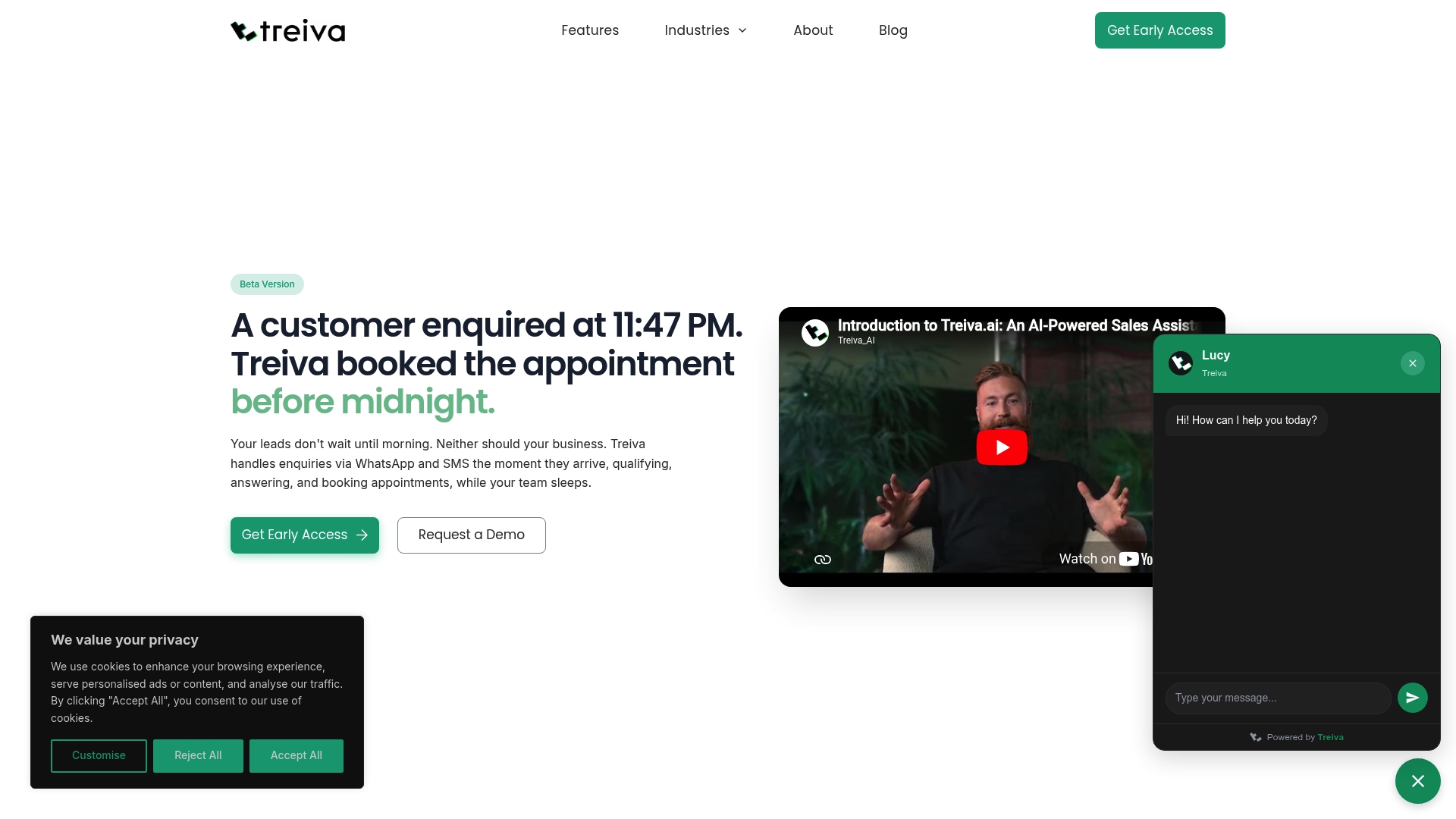
Treiva lists a Starter plan at £0/mo. It handles lead capture, qualification, and appointment booking across messaging channels and property portals. The product runs 24/7 to keep conversations active outside business hours.
Core features
Treiva answers messages instantly across channels and records conversations as leads. It qualifies prospects with natural conversation flows and asks the right questions for budget and timeline. Once a lead clears qualification, Treiva books meetings and sends confirmations into calendars. The platform links conversations to CRMs and reporting so teams can track progress from inquiry to scheduled appointment.
Key differentiator
Treiva automates the full qualification to booking workflow without human intervention. It keeps leads in conversation until a booking is confirmed and then updates calendars and CRMs. Compared with Pulp AI Studio, Treiva focuses on continuous conversational qualification and scheduling across messaging and portal channels rather than missed call text back workflows. That focus fits teams that need message level automation more than call recovery.
Pros
- Automates lead capture and qualification, handing only qualified prospects to sales teams.
- Connects to WhatsApp, Google Calendar, Outlook Calendar, and property portals so conversations sync into existing systems.
- Responds instantly across every channel, which raises the chance of engaging leads outside business hours.
- Handles appointment booking and confirmation automatically, reducing manual scheduling work.
- The vendor advertises most customers go live within 48 hours, which shortens setup for busy teams.
Cons
- Limited public detail about how deep qualification flows can be customized for niche workflows.
- Buyer reviews report concerns about AI handling highly complex or nuanced customer questions.
- Pricing can vary and may become costly at larger scale depending on message volume and integrations.
- Performance depends on integration quality and accurate initial setup.
When it may not fit
If your business requires human level responses for nuanced inquiries, Treiva may not match that need. If you need heavy customization of qualification logic, the available detail is thin. Organizations that use uncommon portals or have fragile integration endpoints may face extra setup work. Large enterprises with high message volume should validate pricing and throughput before committing.
Notable integrations
- Google Calendar and Outlook Calendar
- Property portals such as Zoopla and Rightmove
- Meta Ads
Who it’s for
Treiva suits small to large businesses that want to automate lead responses and appointment booking. It fits real estate agencies, property managers, and sales teams that receive inquiries across portals and messaging apps. Choose Treiva when your priority is conversational qualification and scheduled bookings rather than call recovery workflows.
Real world use case
A real estate agency routes portal inquiries to Treiva. The assistant asks budget and timing questions, qualifies interested prospects, and schedules viewings into agents’ calendars. That flow reduces manual follow up and increases the number of booked appointments.
Pricing
Starter tier listed at £0/mo. The vendor offers custom enterprise pricing for larger deployments and agency accounts. Contact sales for volume and integration pricing details.
Website: https://treiva.com
Ovox
At a glance
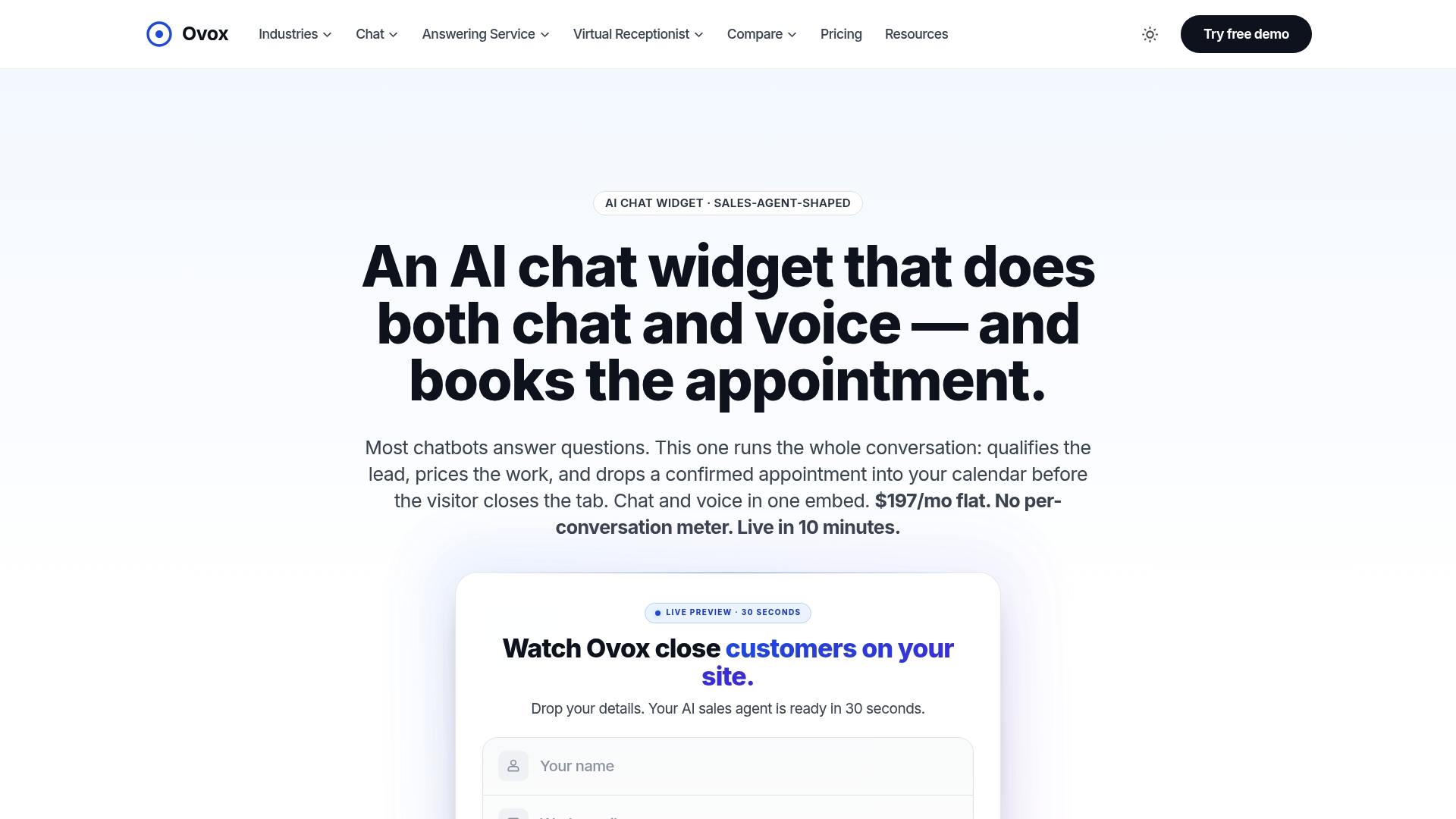
Ovox reports a flat $197/month fee that covers both chat and voice with no per-call or per-minute charges. According to the company, the website embed can go live in under ten minutes and the agent trains on site content in about 30 seconds. The vendor advertises a 30-day satisfaction guarantee for new installs.
Core features
Ovox handles inbound conversations that qualify leads and book appointments into calendars.
- AI chat and voice conversations that ask intake questions and schedule meetings.
- Trains on your website content automatically in roughly 30 seconds for tailored replies.
- Configurable intake fields so you collect the exact data your team needs.
- Direct calendar booking into Google Calendar, Calendly, and similar schedulers.
- Single screen structured lead emails for quick human follow up, not long transcripts.
- Vertical playbooks and multilingual support with 11 languages available out of the box.
Key differentiator
The core angle is predictable pricing plus fast time to live. That flat fee removes variable usage billing and bundles both voice and chat into one monthly cost. For service providers who value predictable bills and quick deployment, that combination reduces setup friction and financial surprises.
Pros
- Flat monthly pricing simplifies budgeting. You pay one predictable amount rather than tracking minutes or calls.
- Very fast setup for website embeds gets you live in under ten minutes according to the vendor. That lets you start capturing visitors the same day.
- Supports both chat and voice with a consistent agent persona so callers and web visitors get the same handoff experience.
- Industry playbooks and multilingual scripts reduce the work needed to adapt dialogs for plumbing, legal, healthcare, and real estate.
- Integrates with common calendars and CRMs so booked appointments flow into existing scheduling systems without data migration.
Cons
- Focuses on inbound lead capture and appointment booking. It is not built for outbound dialing campaigns.
- Some advanced routing or workflow scenarios need specific integrations or configuration, which can require technical familiarity.
- Buyers report the strongest value comes from qualified appointment booking. If your need is only simple call routing or basic messaging, cheaper tools may suffice.
When it may not fit
Ovox is a poor match for teams that run outbound sales sequences or need complex, multistep back office workflows. If your business requires deep CRM automation or custom lead scoring logic inside the bot, Ovox may require extra integration work. Also avoid it if the goal is pure message routing without appointment intent.
Who it’s for
Small to midsize service businesses that run appointment based work and want predictable monthly costs. Typical users include plumbers, HVAC shops, clinics, real estate agents, and law firms that want 24/7 lead qualification and calendar booking without usage surprises.
Real world use case
A plumbing company adds Ovox to its contact page. The agent asks budget and project type, collects photos or address, and books a slot into Google Calendar. Phone volume falls and the team receives concise lead emails that speed follow up and increase booked jobs.
Pricing
Ovox charges a flat $197 per month with no per-call or per-minute fees. The plan includes the website embed, multilingual playbooks, chat and voice handling, and a 30-day money-back guarantee.
Website: https://ovox.ai/chat
Comparison of alternatives
Exploring the leading AI chatbot tools for lead generation reveals a variety of approaches tailored to specific business needs. Let’s delve into the strengths and nuances of three prominent contenders: Pulp AI Studio, Treiva, and Ovox.
Deployment and ownership models
Pulp AI Studio distinguishes itself with a done-for-you model with a path to ownership. Its managed setup is live in about two weeks and run for you at one flat monthly price; clients who step up to a custom build (about 30 days) receive the source code and configurations to modify or scale the implementation as needed. Treiva and Ovox primarily operate self-serve subscription models, positioning them as tools you configure within the provider’s infrastructure.
Integration and communication capabilities
Whereas Ovox and Treiva excel in communication integrations, such as linking directly with calendars, messaging platforms, and CRMs, Pulp AI Studio connects to the CRM and calendar you already use and adds industry-specific workflows. Nevertheless, Treiva emphasizes instant responses across media portals and sustained interaction until appointment bookings. This repertoire supports entities reliant on high-volume inquiries.
Best fit
-
Pulp AI Studio: For businesses that want a bespoke setup run for them, live in about two weeks, with a path to owning the system, such as individual contractors or niche clinics.
-
Treiva: for enterprises dealing with high-volume, multichannel inquiries needing immediate lead qualification and scheduling automation.
-
Ovox: Well-matched for those requiring voice and text integrations with streamlined monthly pricing, perfect for diverse appointment-based services.
Our pick
With its customizable, company-specific setups run for you and a step up to full ownership, Pulp AI Studio emerges as our recommendation for businesses that want their customer engagement workflows handled without running another tool. Treiva and Ovox provide excellent self-serve services; Pulp AI Studio fits businesses that want it done for them now and the option to own and adapt the platform later.
For businesses seeking robust tools to optimize automated lead handling workflows, the following comparison highlights key features and differentiators across leading platforms.
| Product | Core Feature | Key Differentiator | Best For | Pricing | Notable Limitation |
|---|---|---|---|---|---|
| Pulp AI Studio | Automated SMS responses for missed calls and inquiries | Done-for-you setup with a step up to full ownership | Small to mid-size business owners | Not disclosed | Pricing not published |
| Treiva | Instant lead capture, qualification, and appointment scheduling | Automates multi-channel conversational workflows | Real estate agencies and sales teams | £0/mo (Starter) | Limited customization for complex workflows |
| Ovox | AI-driven chat and voice for intake and appointment booking | Predictable flat-rate pricing and rapid setup | Appointment-based service providers | $197/month | Primarily supports inbound inquiries rather than outbound |
A Plan Run for You, Not Another Tool to Run
Most owners did not lose the lead because a tool was missing. They lost it because nobody had time to run the tool. So we run it for you: a hosted CRM with the AI already wired in, set up and managed for your shop, live in about two weeks, and priced in the same range as the do-it-yourself AI receptionist plans, at one flat monthly price. The pieces most shops start with:
- Voice AI receptionist. Answers, qualifies, and books onto your calendar day or night, connected to the CRM or field software you already use, and hands the call to a person when it needs one. See the after-hours answering service.
- Speed to lead. A new form fill, ad lead, or missed call gets a text back right away, while the customer is still shopping. More on why the first few minutes decide the job.
- Database reactivation. The old leads and past customers already sitting in your system get a conversational text campaign that books the ones who are ready now. See database reactivation.
- AI social replies. Facebook and Instagram comments and DMs get answered and routed instead of sitting unread until Monday. The AI chatbot guide covers how those replies work.
Your contacts, your conversation history, and your phone number stay yours to export or port out if you leave. For shops that want the whole system on hardware they own, prompts, logs, and models included, the custom build below is the step up (about 30 days, since there is hardware to set up). Most shops start managed and grow into a rig, not the other way around.
Maximize lead recovery with pulpaistudio’s targeted AI solution
The challenge many businesses face is lost leads during off-hours and missed calls. This gap leads to slower response times and fewer closed deals. Pulp AI Studio directly addresses this by delivering a missed-call text-back system combined with AI auto-replies—ensuring no opportunity slips through the cracks. Pulp AI Studio gets a fully operational AI lead response system live in about two weeks on the managed setup, with a custom build you own as the step up.
If you value prompt, automated lead engagement that reduces ghosting and increases job closures, explore how Pulp AI Studio can plug into your business workflow. Discover how to reclaim missed calls and turn them into active conversations by visiting Pulp AI Studio’s website. Take control of your lead generation with one flat monthly price designed for small business efficiency and quick impact.
FAQ
How quickly can i deploy Pulp AI Studio for lead generation?
Pulp AI Studio’s managed setup goes live in about two weeks, allowing you to quickly start engaging with leads. This swift deployment helps shorten the time to first contact with leads, enabling immediate measurement of impact. Consider this rapid setup if you’re losing business from missed calls.
What are the advantages of using Pulp AI Studio for specific industries?
Pulp AI Studio offers tailored solutions for industries like auto dealerships, HVAC, and medical practices by customizing chatbots to answer common questions specific to these fields. This targeted approach enhances lead engagement and follow-up efficiency, making it ideal for businesses in these sectors.
How does customer ownership of prompts and code work with Pulp AI Studio?
On the managed setup, your contacts, conversation history, and phone number stay yours to export or port out. Businesses that step up to a custom build (about 30 days) own the prompts, source code, and configuration outright, which means they control any future changes to the system on their own infrastructure.